Your Probo Control Center
The Dashboard


The Probo App is your Probo control center. It provides a user interface for accessing and managing your Probo environments.
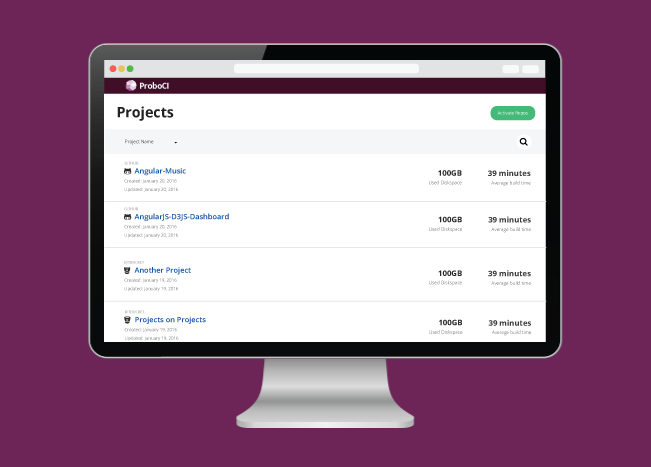
The dashboard lists all of your Probo-enabled repositories. Click the Activate Repos button to access a list of all available repositories. Probo.CI can be turned on and off using the toggle switches found next to each repository (green is on and gray is off).
Click the Sync Repos button to update the repositories listed for your organizations if you have added or removed repositories from your version control account.

Get a free trial with our starter plan or look over some of our more advanced plans and choose the best solution for your company or organization!
GET STARTED FREE